Server Filter
The Server filter provides an additional command to narrow down the list of Jobs displayed. In this case, the choices are to show all Jobs (the default, as shown above with the Job Type filter), all deployed or all undeployed jobs. There is also an entry on the filter list for each Server defined, allowing selection of all Jobs deployed to a specific Server.
Click anywhere in the Server filter field to produce a popup list displaying all available server filter options:
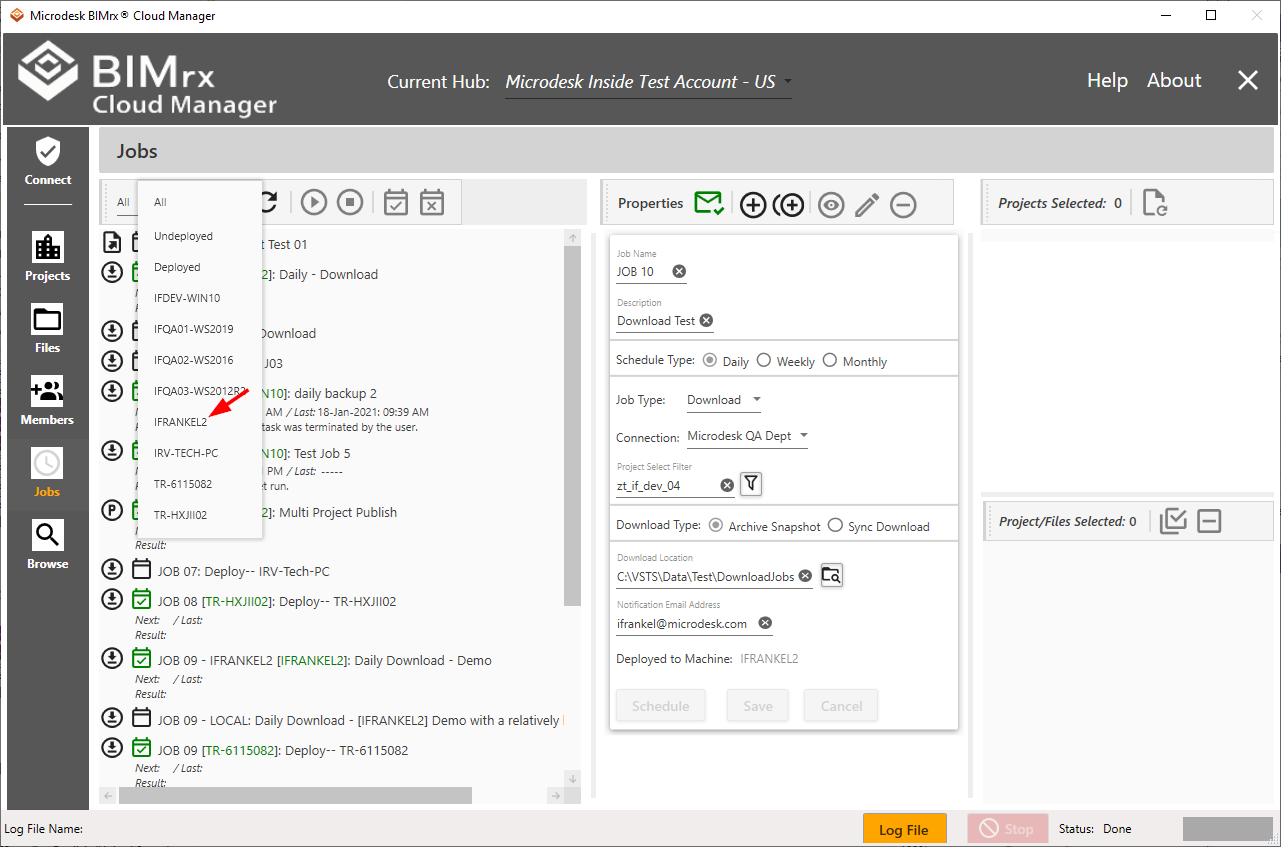
Select all Jobs for a specific Server by selecting the Server, as shown above.

In fact, this shows us two things. First, it shows only deployed Jobs. Second, it shows only those Jobs deployed to the selected Server.
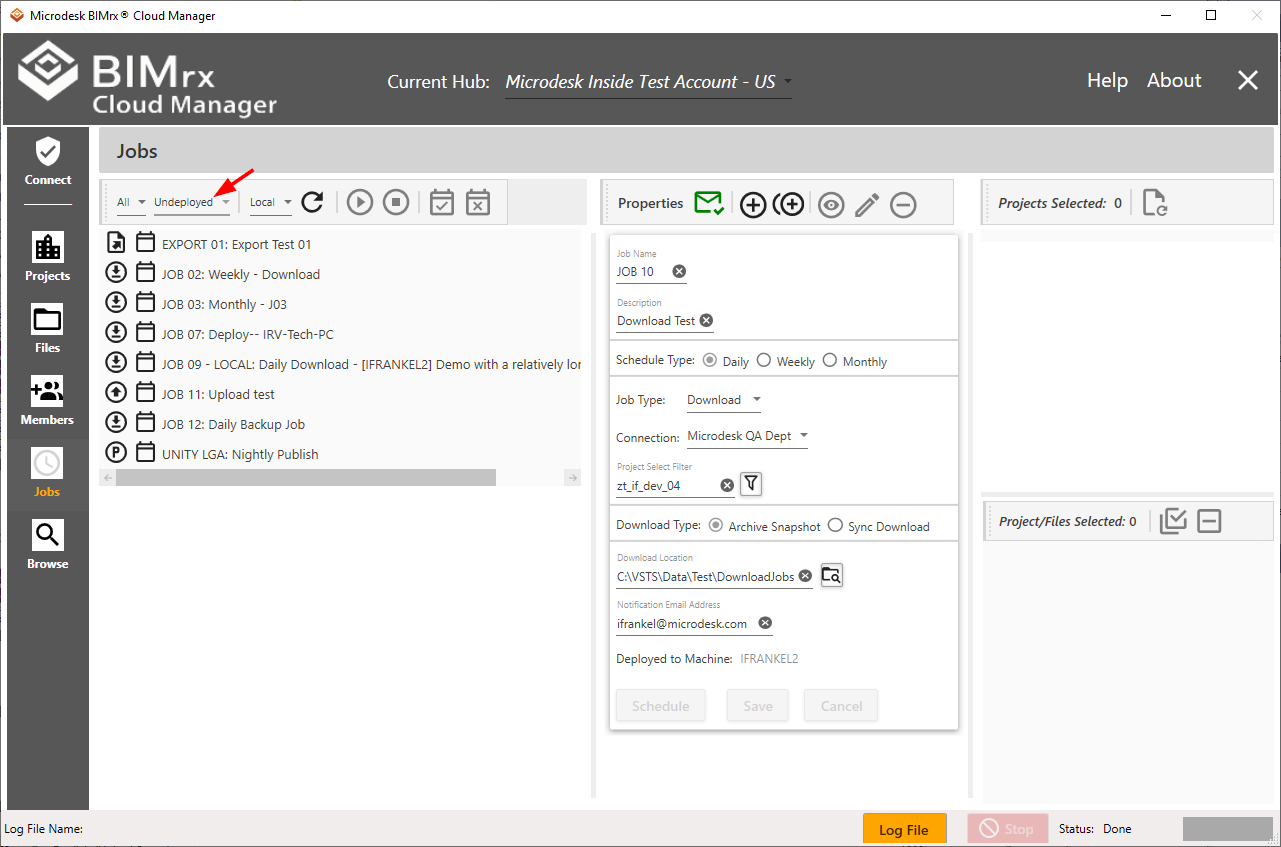
A useful command is to select all undeployed Jobs.
Another approach is to combine filters.
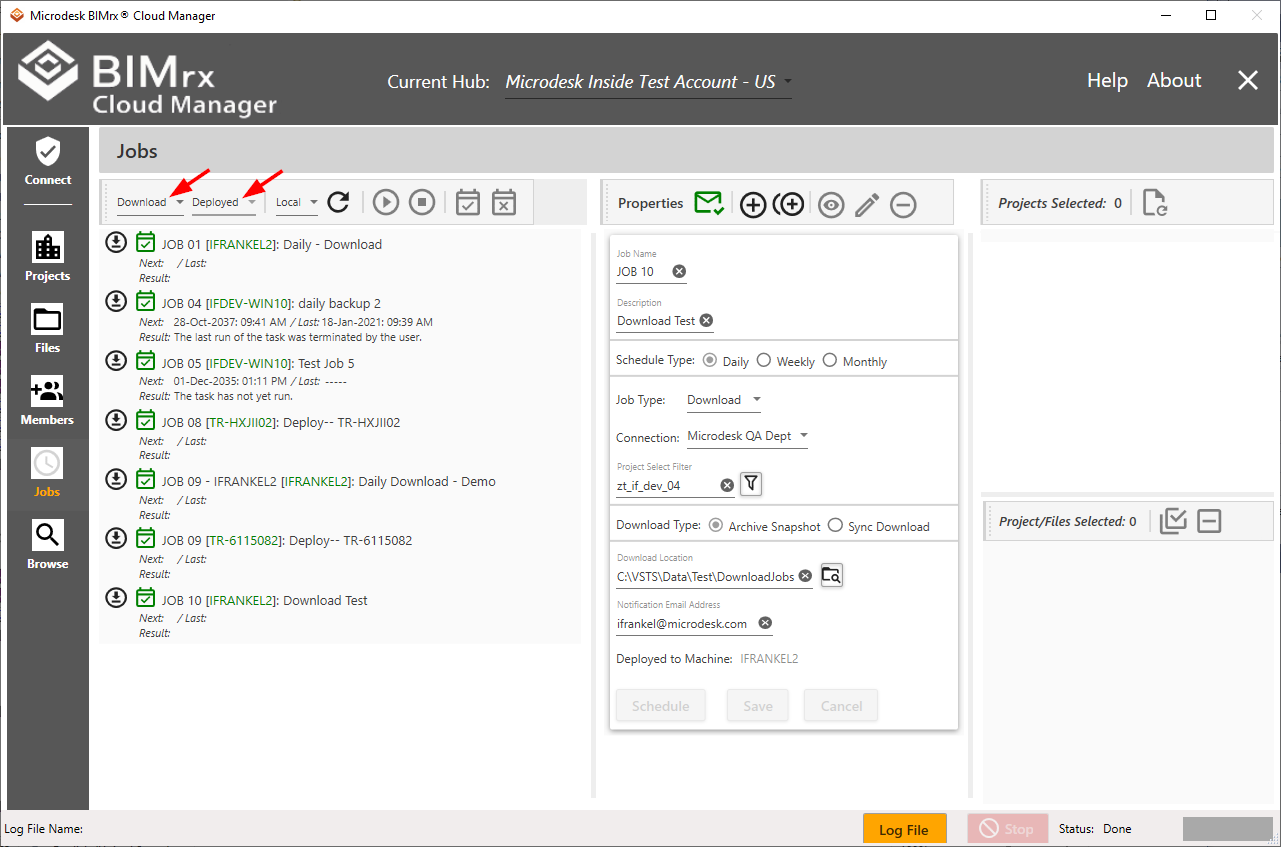
In the above example, we have selected all deployed download Jobs.