Export Data to Microsoft Excel
Once a project is selected, the data can be exported to a Microsoft Excel spreadsheet. Select the desired project under Autodesk® BIM 360® Browser, select the parent folder for the export from the project display and press the Export to MS Excel button  .
.
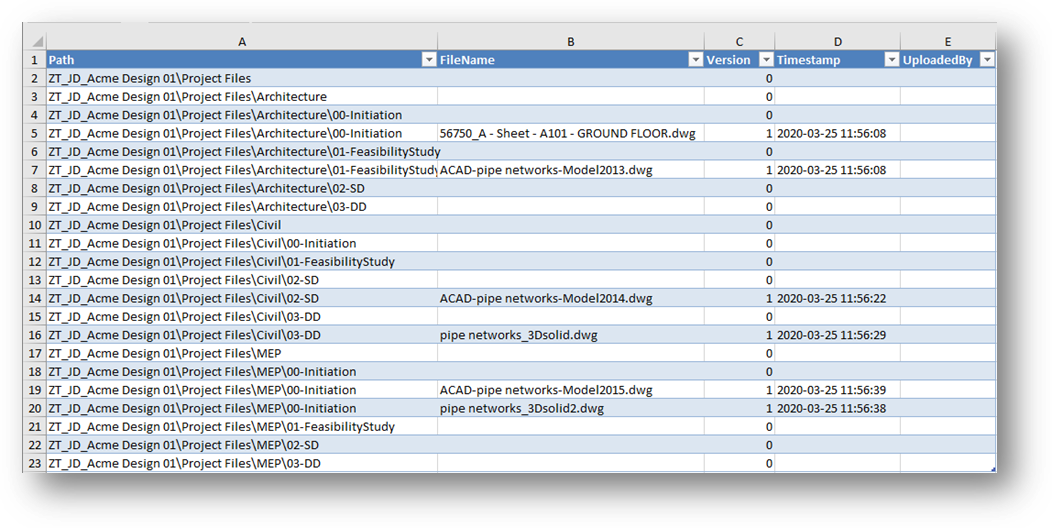
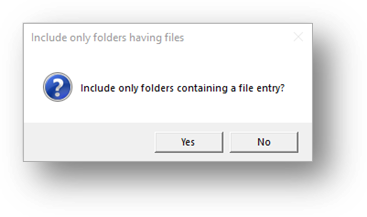
Based on the folder selected, all files and folders contained below the selected folder will be exported. Further, it can export all folders—including those containing no files— or only folders containing a file entry. A dialog is presented displaying the two options:
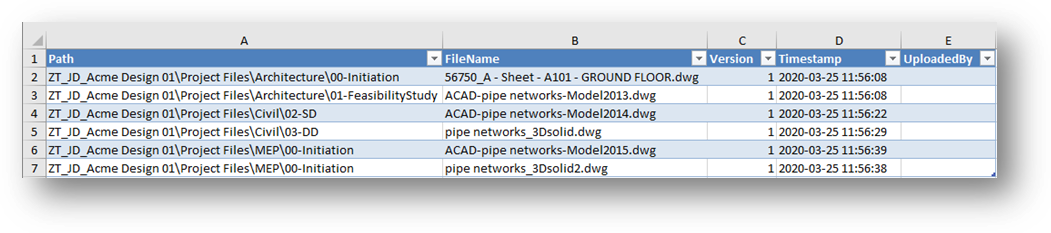
Answering Yes to the dialog produces the following result:
While answering No results in the following: